Turn your website into an AI employee that answers only from your own words.
Sublex Chat answers your customers from your own pages, and captures the lead when it cannot. Type your address and watch it build.
- Free, no account needed
- Answers in about two minutes
- No card required
Rather start from scratch? Sign up or see pricing.
2,000
conversations a month on the Business plan
2 min
from your web address to answering your questions, before you sign up
$0
extra for the AI, which every paid plan includes
How it works
Three steps, and nobody has to write anything
It learns from what you already have. Your website, your price list, the documents sitting in a drawer.
- 01
Give it what you already have
Your website address, a price list, a menu, a policy document. It reads them and starts answering.
- 02
Try it privately
Ask it the hard questions before a customer does. Nothing goes live until you say so.
- 03
Paste one line, or hand us the keys
One line in your site's footer and it is answering.
The dashboard
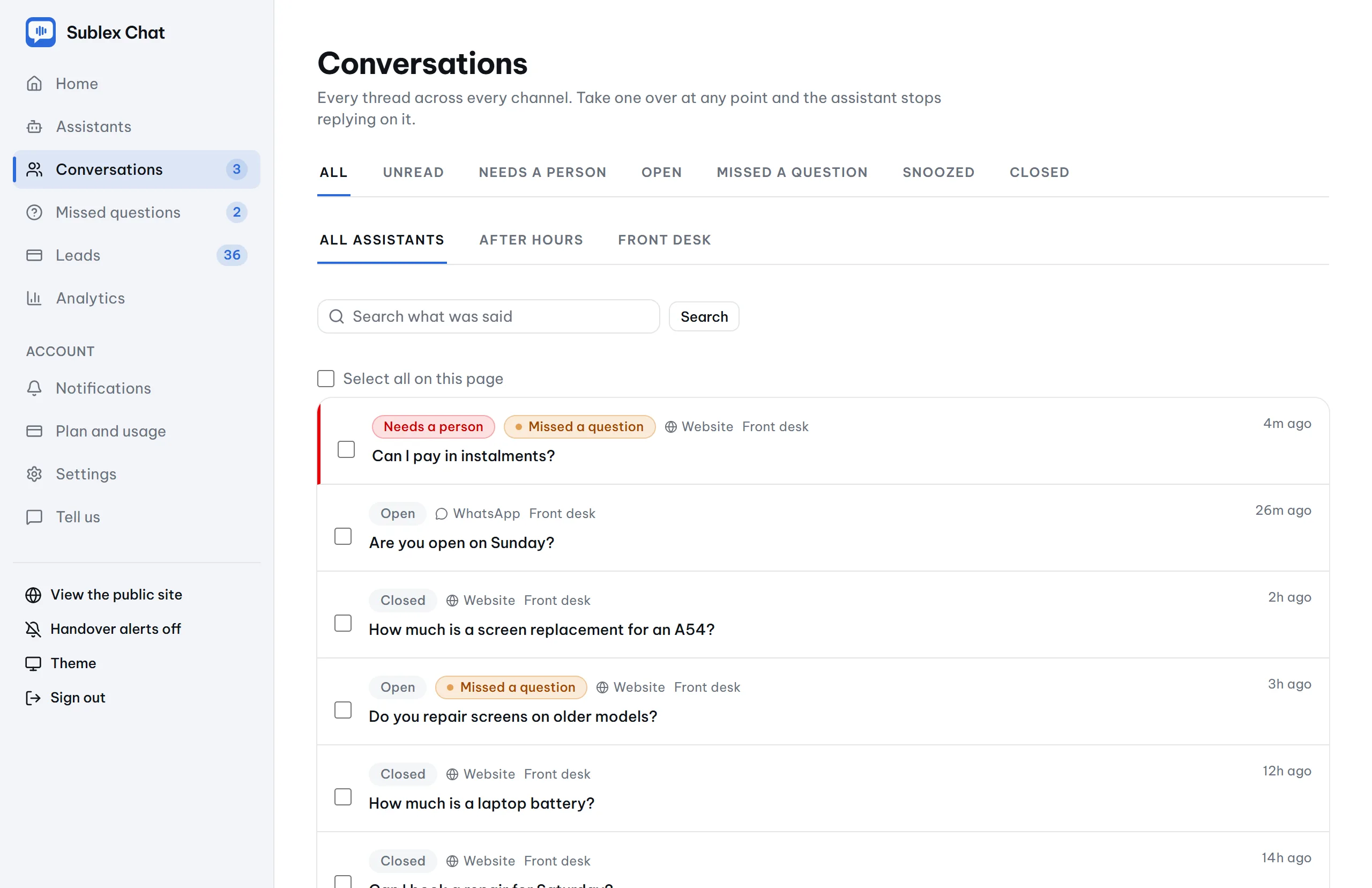
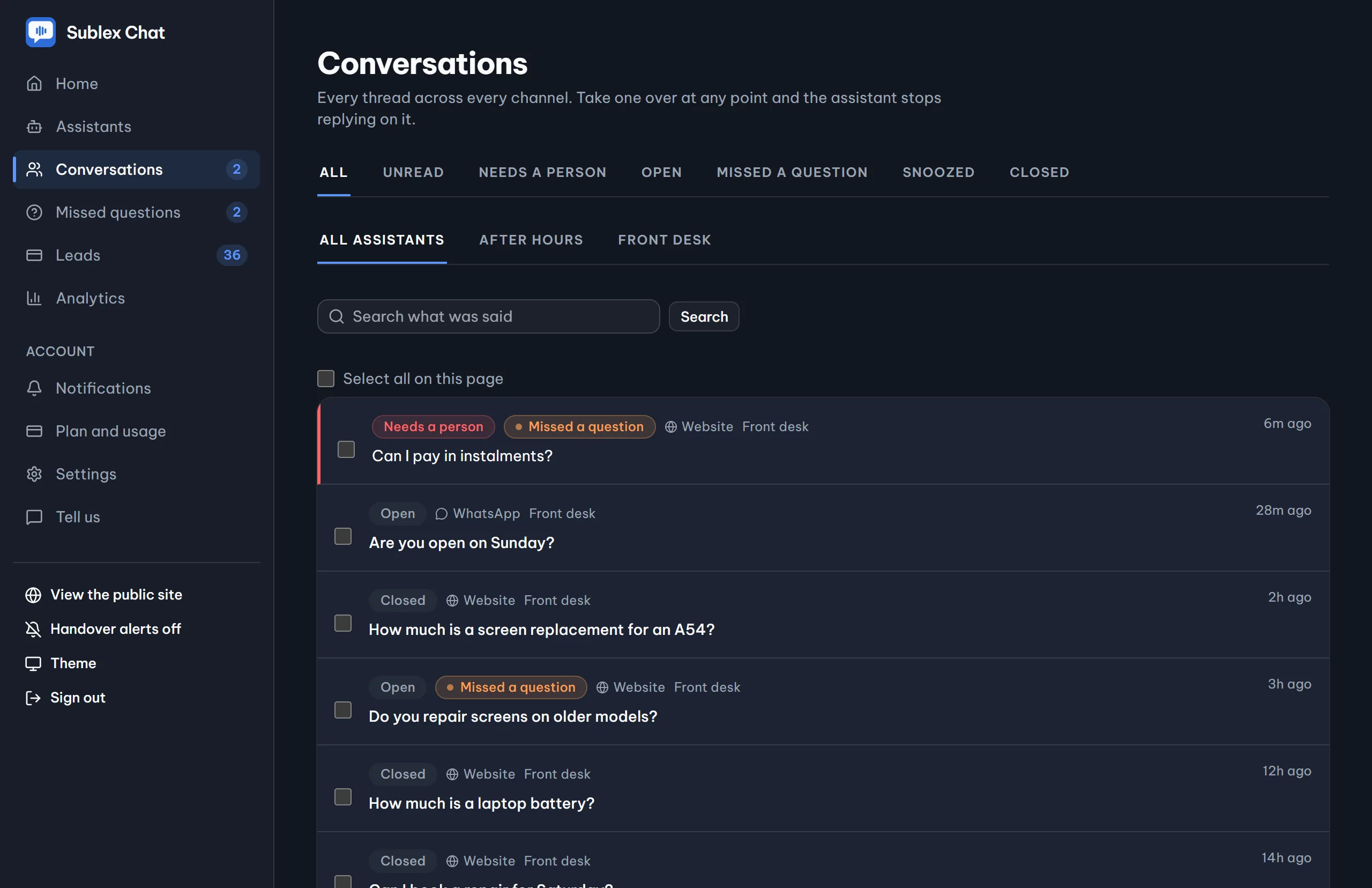
Every thread, every channel, one place
See what it answered, what it declined, and who is waiting for a person, without opening a single thread.
Why businesses keep it
What an AI assistant does for your business
Four things nobody wants to go back to living without, once it has been on the site a fortnight.
When it does not know, it says so
If the answer is not in what you gave it, it offers a person. We test this by planting fake prices in crawled pages, and it has refused every one so far.
Enquiries answered while you sleep
Most messages arrive outside working hours and go cold. A visitor who asks at 11pm and hears nothing goes to a competitor instead.
It tells you what customers keep asking
The questions it could not answer, listed in your customers' own words, so the gaps in your own website become a short list to work through.
No enquiry is lost, even the ones it cannot answer
A visitor it cannot help is asked for their details, and lands in your dashboard as a lead with the conversation attached.
When it cannot answer
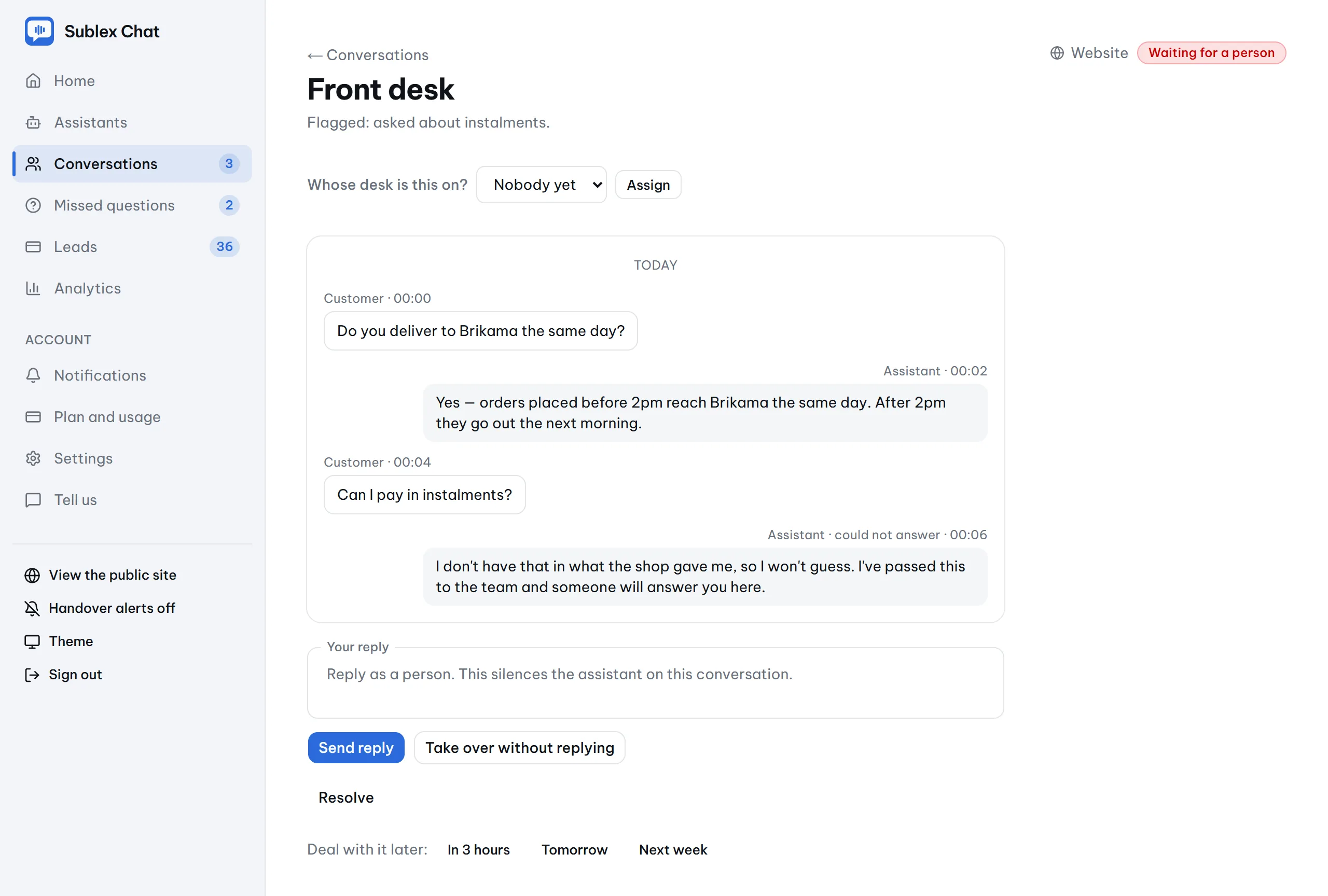
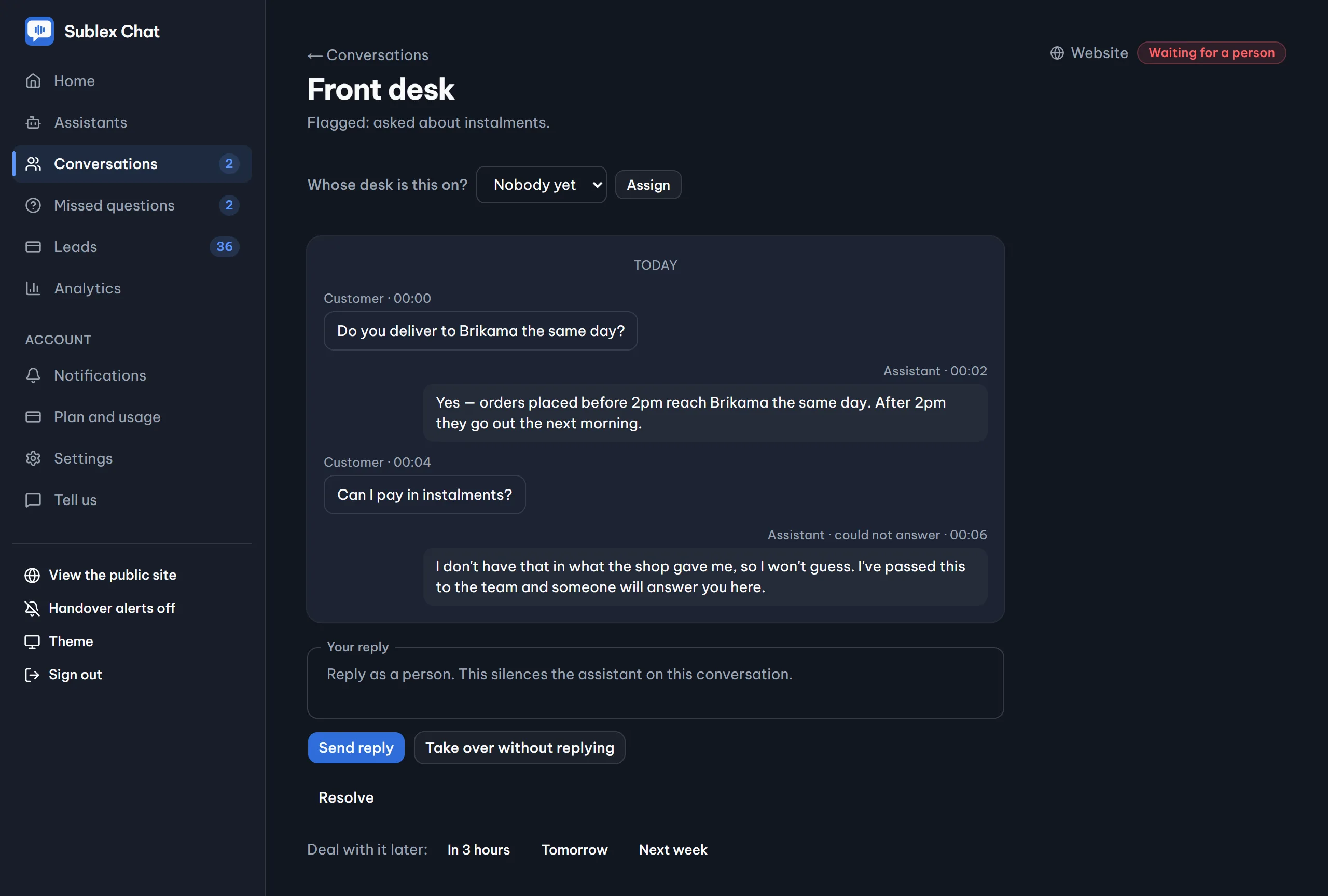
It hands over, and so can you
The moment it declines, the thread is flagged for your team. The assistant keeps helping in the meantime, and goes quiet the moment somebody takes the thread over.
The part that keeps you
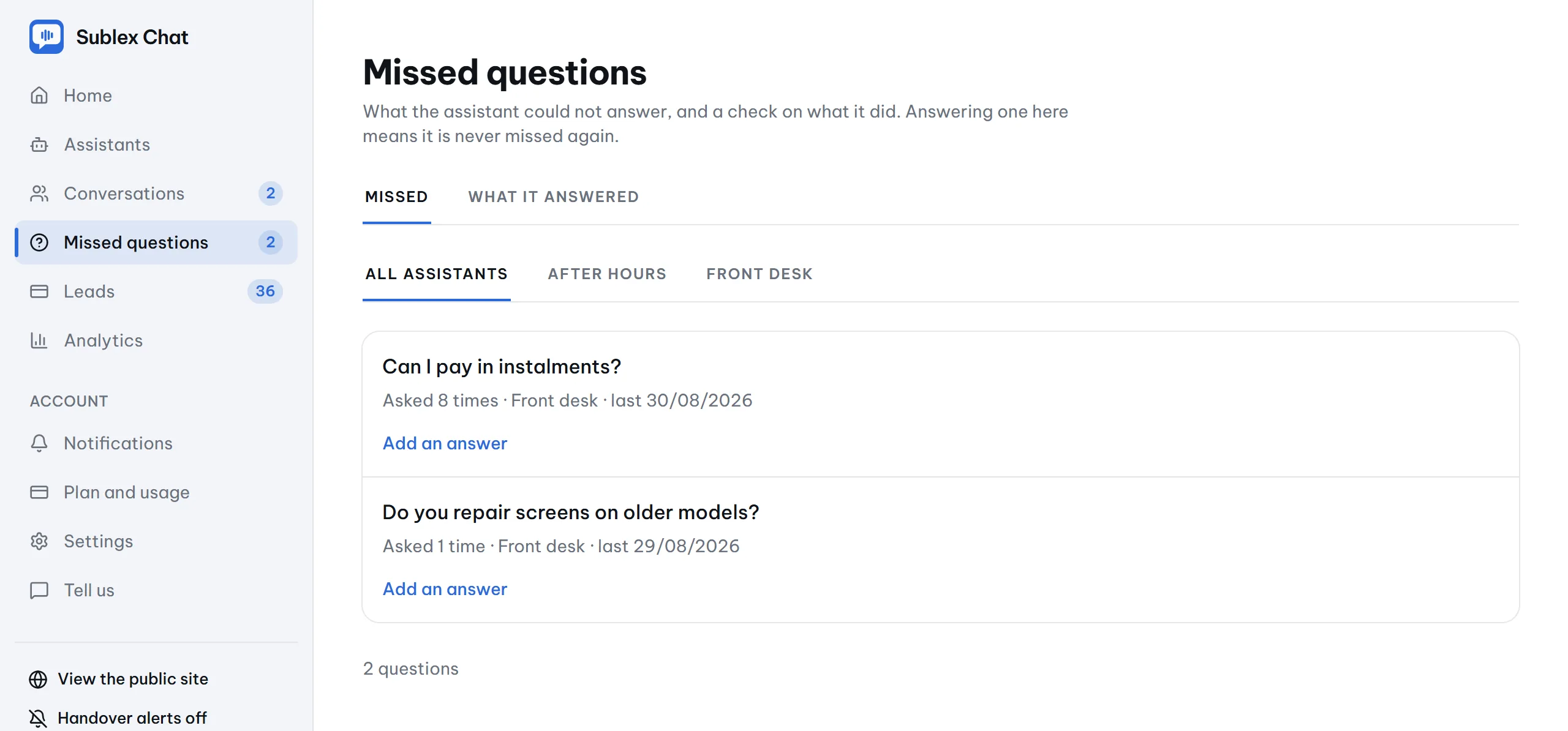
What happens to the questions it misses?
They queue on one screen, in the customer's own words. Type the answer there once and that question is never missed again.
Analytics
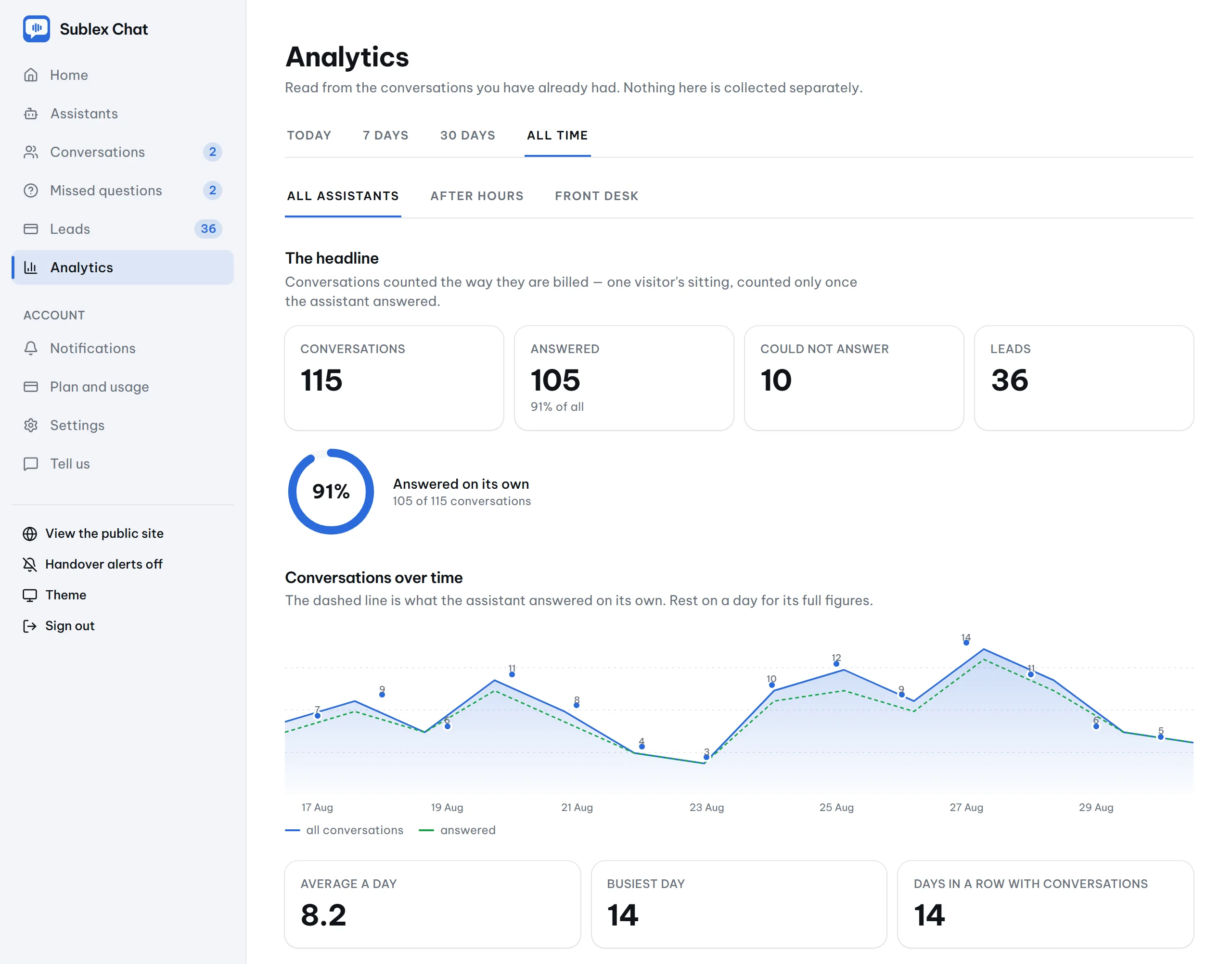
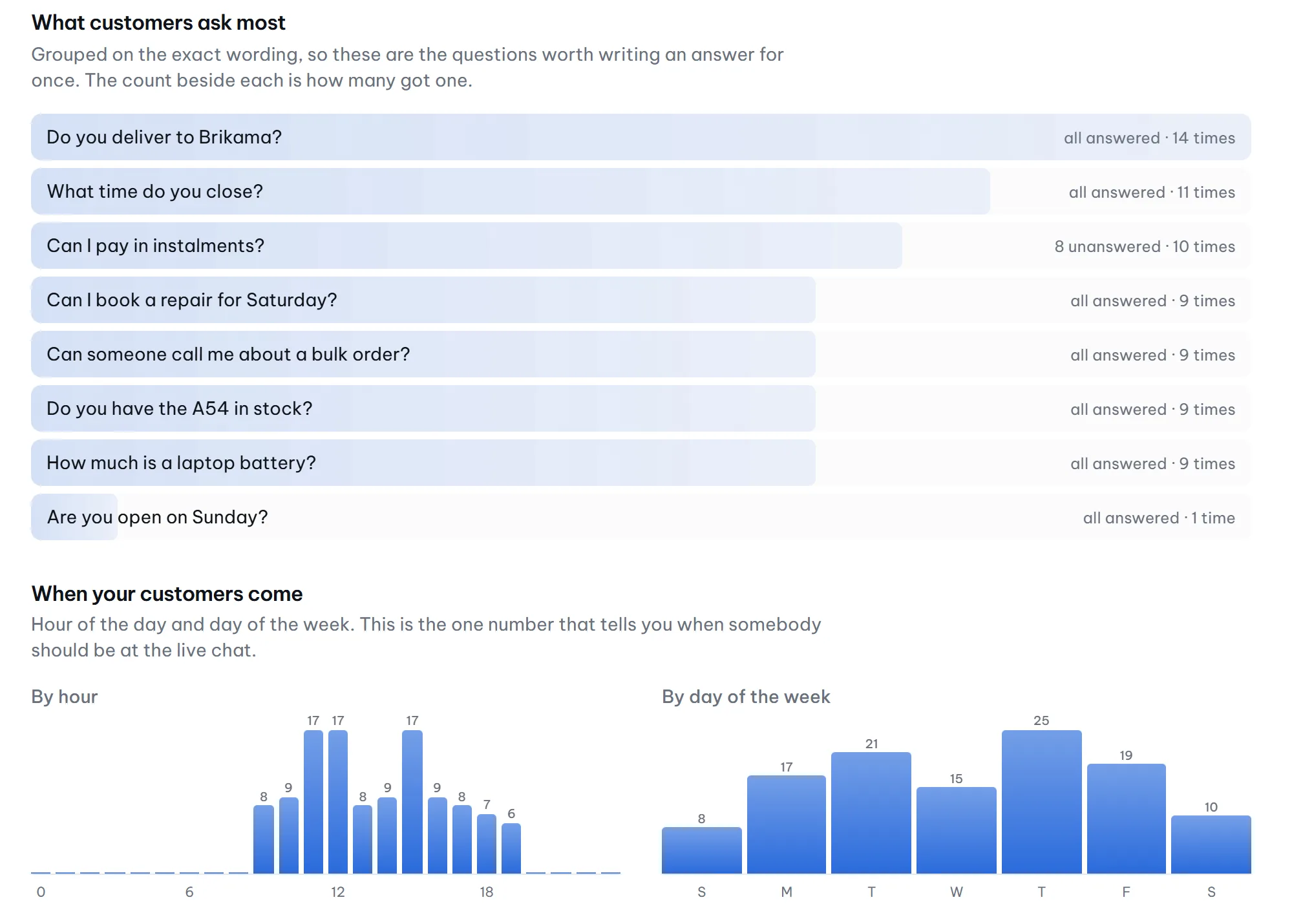
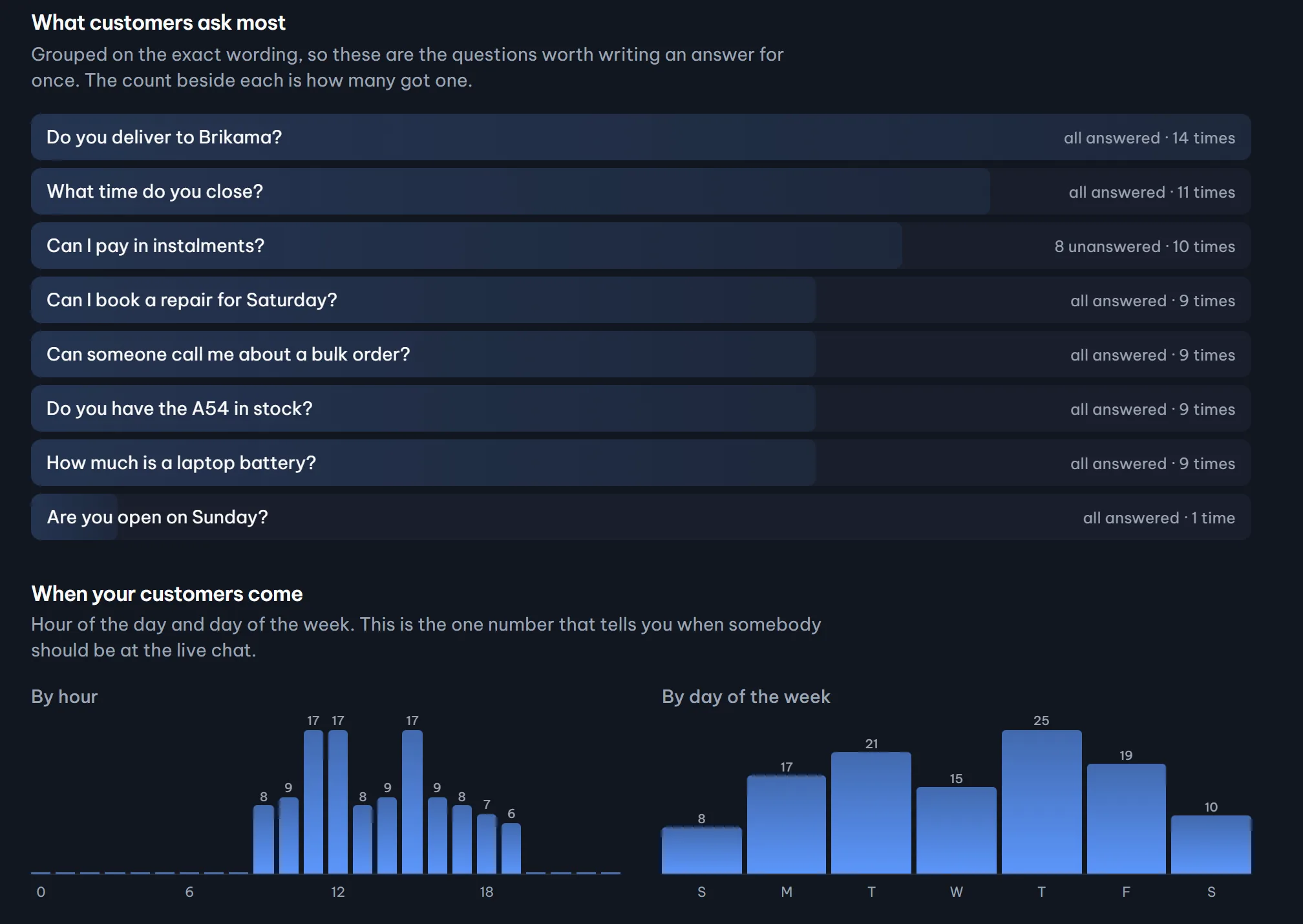
See when customers come, and what they keep asking
Built from your conversations and nothing else. Busiest hours tell you when to staff the live chat, and the most-asked list tells you what to answer next.
The rest of the box
The parts this category sells as add-ons
All of it is in the box. The pricing page says which plan carries which, and none of it is a second subscription.
Live chat, in the same thread
Your team takes over mid-conversation and the assistant goes quiet until they hand it back. Same thread, same inbox.
Office hours it actually respects
When you are closed, the window says when you open again in the visitor's own timezone, and stops promising a person who is not there.
Four languages, full right-to-left
English, French, Arabic and Spanish in the chat window, with the whole layout mirrored for Arabic. Set once per assistant.
A pre-chat form, when you want one
Name and number before the chat starts, optional or required, with your own questions and a visible way to skip.
Suggested questions from your own material
Tap-to-ask chips generated from what you taught it, regenerated every time the knowledge changes.
A monthly note that earns its place
What it answered, captured, and missed, with the fix one click away. Weekly or off if you prefer, and never sent when nothing happened.
More than one assistant, each read on its own
A front desk and an after-hours line, from the Starter plan up. Each screen filters to one assistant with a tap.
Knowledge measured in pages, not tokens
Your plan says how many pages it holds, and the meter warns you before it is full. Nothing you added is ever deleted for you.
An inbox that behaves like one
Unread per person, snooze that wakes when the customer writes back, search over what was said, and saved replies that fill the box.
Pricing
Honest about what it costs
Every paid plan includes the AI, and nobody moves you up a plan without asking. A conversation is one customer's whole sitting, so bills stay predictable.
Free
$0
25 conversations a month · 1 assistant · about 33 pages of knowledge
Starter
$24$16.80 / month billed yearly500 conversations a month · 2 assistants · about 167 pages of knowledge
Business
Most popular$66$46.20 / month billed yearly2,000 conversations a month · 5 assistants · about 667 pages of knowledge
See it answer from your own website
Two minutes, no account, and you can ask it the awkward questions, including the ones it should refuse to answer.
- Free, no account needed
- Answers in about two minutes
- No card required