Sublex Chat Is Live: An Assistant That Will Not Guess
Sublex Digital · 7 September 2026 · 11 min read
Sublex Chat is open today. It is an assistant that sits on a business website, reads that business's own pages, and answers customers from them at any hour. When the answer is not in the material, it says so and takes a phone number instead of making something up.
That last sentence is the whole product. Everything else here is detail.
What Sublex Chat is built on
Most assistants are built to be helpful. Sublex Chat is built to be right, which is a different job and produces a different product.
A general chatbot faced with a question it has no answer to does what a language model does well: it writes a fluent, confident sentence. Sometimes true. Sometimes it invents a delivery charge, a refund window, or an opening time that does not exist. The customer believes it, because it appeared on the business's own website, and the business finds out when somebody turns up expecting a price nobody ever offered.
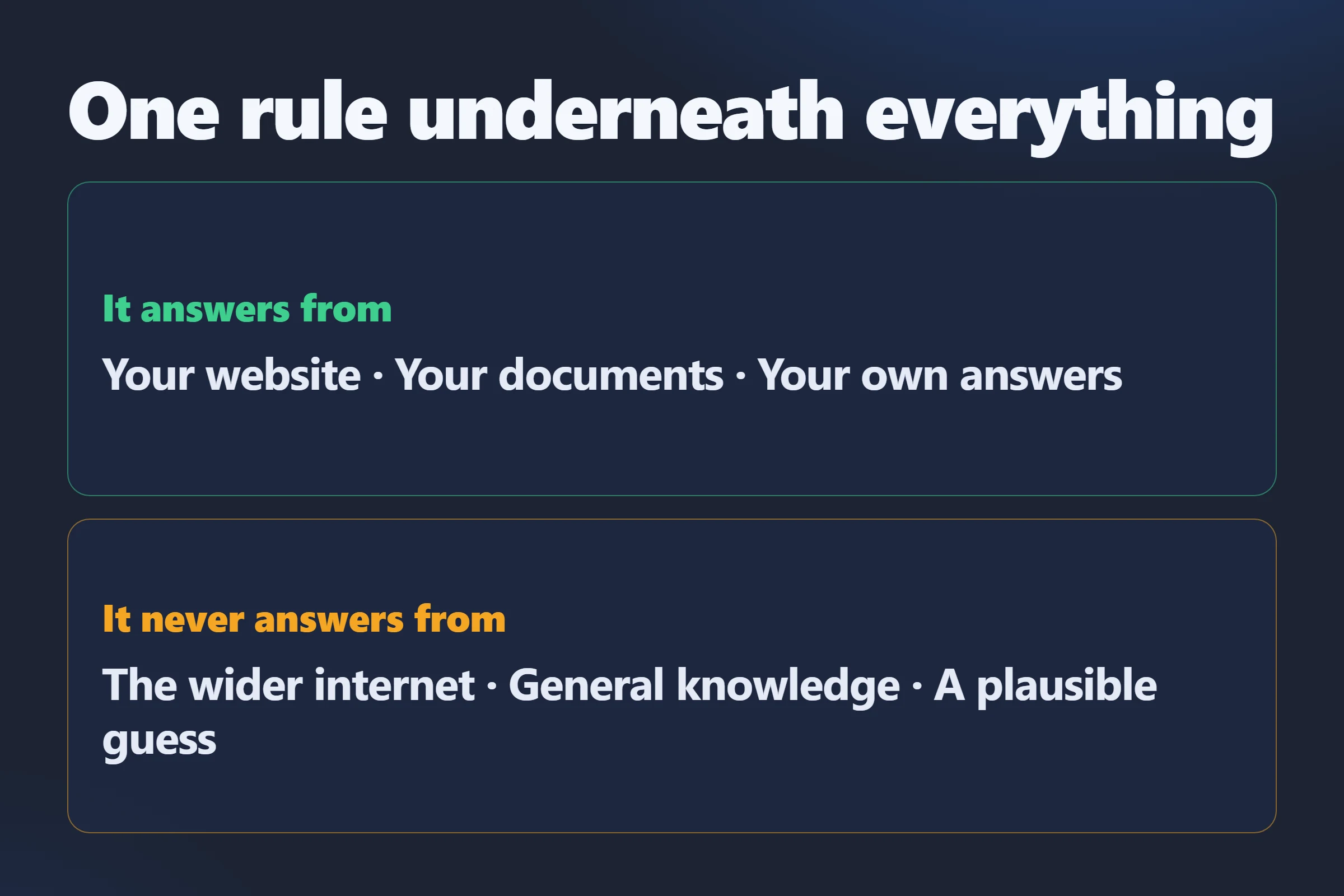
So there is one rule underneath everything: the assistant may answer only from the material the business gave it. Its own website, its documents, its pasted text, its questions and answers. Not the wider internet, not the model's general knowledge, not a plausible guess.
When the material does not cover the question, it says so in its own words and offers to take the customer's details. It is never handed a stored sentence to repeat, because an assistant shown a scripted refusal learns to copy it back at the wrong moments.
What it will not do
Being explicit about this is more useful than a feature list, and it is the part worth reading before deciding.
It will not invent a price. It quotes what is published and nothing else.
It will not confirm availability. It does not know whether the room is free that week or whether there is a place in Year 4, and it will not pretend to.
It will not book, take a deposit, or accept card details. A chat window is not a payment page.
It will not give medical, legal or financial advice. Where a question is clinical or legal, it declines and passes it to a person, which is the only safe behaviour.
It will not promise something on the business's behalf. No upgrades, no exceptions, no discounts that were never offered.
An assistant that would do those things is not more useful. It is a member of staff who says yes to everything and never writes it down.
What it does instead
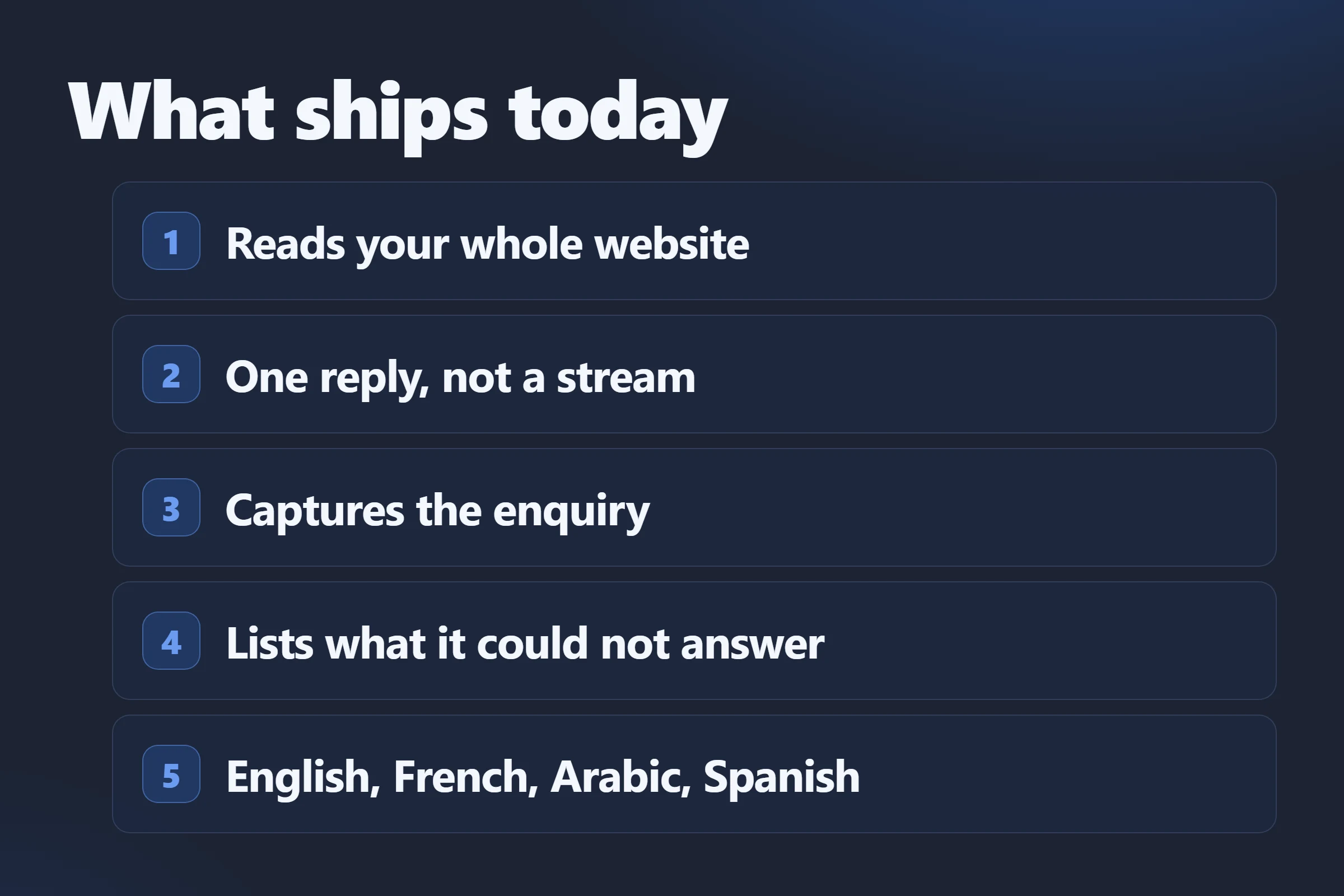
It reads your website. Give it a web address and it works through the pages, so the prices, the hours and the policies that are spread across five pages become answerable in one message. Add documents, pasted text or question and answer pairs on top.
It answers once. One reply, not a stream of bubbles. That is a deliberate constraint rather than a limitation, and on any channel billed per message it is also a cost.
It captures the enquiry. A decline that ends the conversation is a lost customer. A decline that takes a name and a number is a lead in your inbox by morning.
It lists what it could not answer. Every declined question goes on a screen you can read. After two weeks that is a ranked account of everything missing from your website, written by your own customers rather than guessed at in a meeting. This is the part most businesses underuse, and it is the part that keeps paying after the novelty of a chat window wears off.
It speaks four languages. The chat window can be set to English, French, Arabic or Spanish, with right to left layout where the language needs it, set per assistant.
There is also an inbox behind it, so a person can take over a live conversation mid-flow when a customer asks for one, with unread counts, snooze, search and saved replies.
What it costs
These are Sublex Chat's own prices, current on 7 September 2026, and they are on the pricing page rather than behind a form.
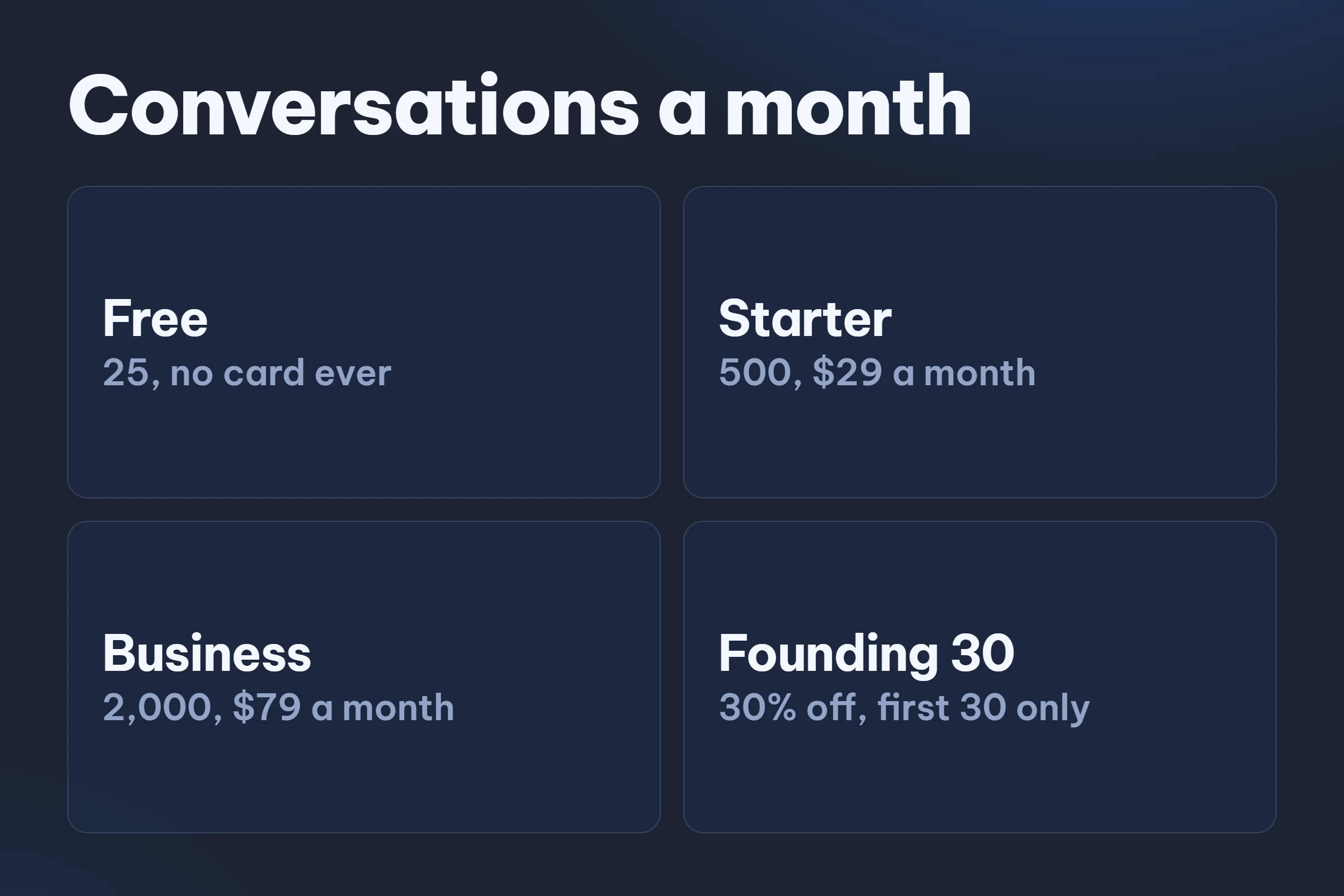
Free is 25 conversations a month, one assistant, one website, for as long as you like. No card, now or later. It is a real plan rather than a trial, and it is enough to run on a quiet site or to test properly on your own pages before deciding anything.
Starter is $29 a month, or $24 a month billed yearly at $288. Five hundred conversations, two assistants, two seats, and the chat window in your own colour.
Business is $79 a month, or $66 a month billed yearly at $792. Two thousand conversations, five assistants, five seats, and the badge removed so the chat window carries your name rather than Sublex Chat's.
A conversation means one visitor's sitting rather than one message, and it is only counted when the assistant actually answered. A window that gets opened and closed does not spend your quota.
Every plan includes the AI. There is no separate AI charge and no separate automation charge, which is worth checking against anything else you are considering, because the four billing models in this category produce very different bills for identical usage.
Paid plans start with fourteen days free and no card. Nothing is deleted when a trial ends.
The founding offer
For the first thirty businesses, there is 30% off the first yearly payment, or off each of the first three months on monthly billing. No code to remember, applied at checkout.
At the yearly price that makes Starter $201.60 for the first year and Business $554.40. When the discount ends you continue on today's price rather than a raised one.
Thirty places, and they are gone when they are gone.
What is not here yet
Worth saying plainly, because a launch post that lists only strengths is not worth reading.
Today it answers on your website. Other channels are on the roadmap and will be announced when they work, not before.
It does not look anything up about a customer. It cannot tell somebody where their order is or when their appointment is, because it reads published material and does not connect to an order system. That is a different and much larger piece of work, and an assistant that reads your website should say so rather than imply otherwise.
It does not integrate with a helpdesk. If you already run a ticketing system with agents and queues, an assistant that sits outside it will create work rather than remove it, and the honest answer is that this is not the right product for you.
It will not design a conversation flow for you. There is no canvas and nothing to drag. That is deliberate: a flow is a thing that rots the moment your business changes and nobody updates it.
How to start
Give it your web address and let it read your pages. Add a document if something important lives outside the site, such as a price list or a menu. Decide what should happen when it cannot help, which is normally to take a name and a number. Then paste one line into your site.
About fifteen minutes. The longer job, and the one that decides how well it works, is writing down the answers you have never written down: what a price includes, which of your products or rooms are the exception, what happens on a public holiday. The assistant reads what exists. Nothing conjures what does not.
If you want to see one running before you touch your own site, there are five demonstration businesses with working assistants on them: a beachfront hotel, a dental practice, a school, a restaurant and a garage. Ask each one something its site does not cover and watch what it does. That is the test worth running on any assistant, including this one.
What the first week looks like
Worth setting expectations, because the pattern is consistent and the second day is the one that surprises people.
Day one is quiet. You install it, you ask it a few things yourself, and it answers. Nothing much happens, because most small business sites have modest traffic and a chat window is not a megaphone.
The first real conversation is usually at night. That is the point of the thing. Somebody in another time zone, or somebody local who was working all day, opens the site at half past nine and asks what something costs.
By the end of the first week you have a list. Every question it could not answer is on a screen, in the customer's own words. For most businesses that list is between eight and twenty items in week one, and reading it is the most useful twenty minutes of the month. About half of them turn out to be things you know perfectly well and have never written down.
Week two is where it gets better. You answer three or four of them, on the site itself, and the assistant picks them up on its next read. The list gets shorter, your website gets more complete, and both improvements are permanent.
The failure mode to avoid is the one nobody notices: an assistant installed, never looked at, quietly answering from a price page that changed in March. Sublex Chat re-reads your site on a schedule so the material stays current, but nothing can make somebody read the missed questions screen. Give it to a named person with twenty minutes a month, and say out loud that the twenty minutes is part of the job.
One more expectation worth setting with a team. The assistant is allowed to say it does not know. Staff who have been trained never to leave a customer without an answer sometimes read a decline as a failure. It is the opposite: a decline that captures a phone number is a better outcome than a confident guess, and it is the standard the product is built to.
Frequently asked questions
What makes Sublex Chat different from a general chatbot? It answers only from the material the business gave it. A general chatbot draws on everything a model knows, which is why it produces confident sentences about prices and policies nobody ever set. There are five checks worth running on any assistant to see which kind you are looking at.
Do I need a developer to install it? No. It is one line pasted into your site, and it works on WordPress, Wix, Squarespace, Shopify and anything else that lets you add a snippet.
What happens when it does not know the answer? It says so plainly, in its own words, offers to take a name and a phone number so a person can follow up, and adds the question to a list you can read. Nothing is guessed.
Is the free plan really free? Yes, and it renews rather than expiring. Twenty five conversations a month, one assistant, one website, no card at any point. What free cannot do is volume, and where free stops is set out separately.
Can I put my own branding on it? On the Business plan the badge is removed and the chat window carries your assistant's own name, your launcher icon and your wording. Starter sets the widget colour to yours. Free carries the Sublex Chat blue and the Sublex Chat name.
What if my customers write in another language? The chat window itself can be set to English, French, Arabic or Spanish, with right to left layout for Arabic, chosen per assistant.
Who is it not for? Anyone who needs it inside an existing helpdesk, anyone who needs order or account lookups, and anyone who wants an outbound bot that chases and qualifies. Those are real requirements and there are products built for each. Working out which kind you need takes about ten minutes and is worth doing first.
One more thing
The reason this exists is a conversation that kept repeating with clients: they wanted an assistant on their website, and every one of them was frightened of the same thing, which was it saying something untrue to a customer while nobody was watching.
So that fear is the specification. Everything above follows from it, including the parts that make the product smaller than it could be.
Start free, or try the demonstration hotel first and ask it something it cannot possibly know.
See Sublex Chat answer from your own website
Give your web address and watch it read your pages, then answer questions about your business. No account needed.